
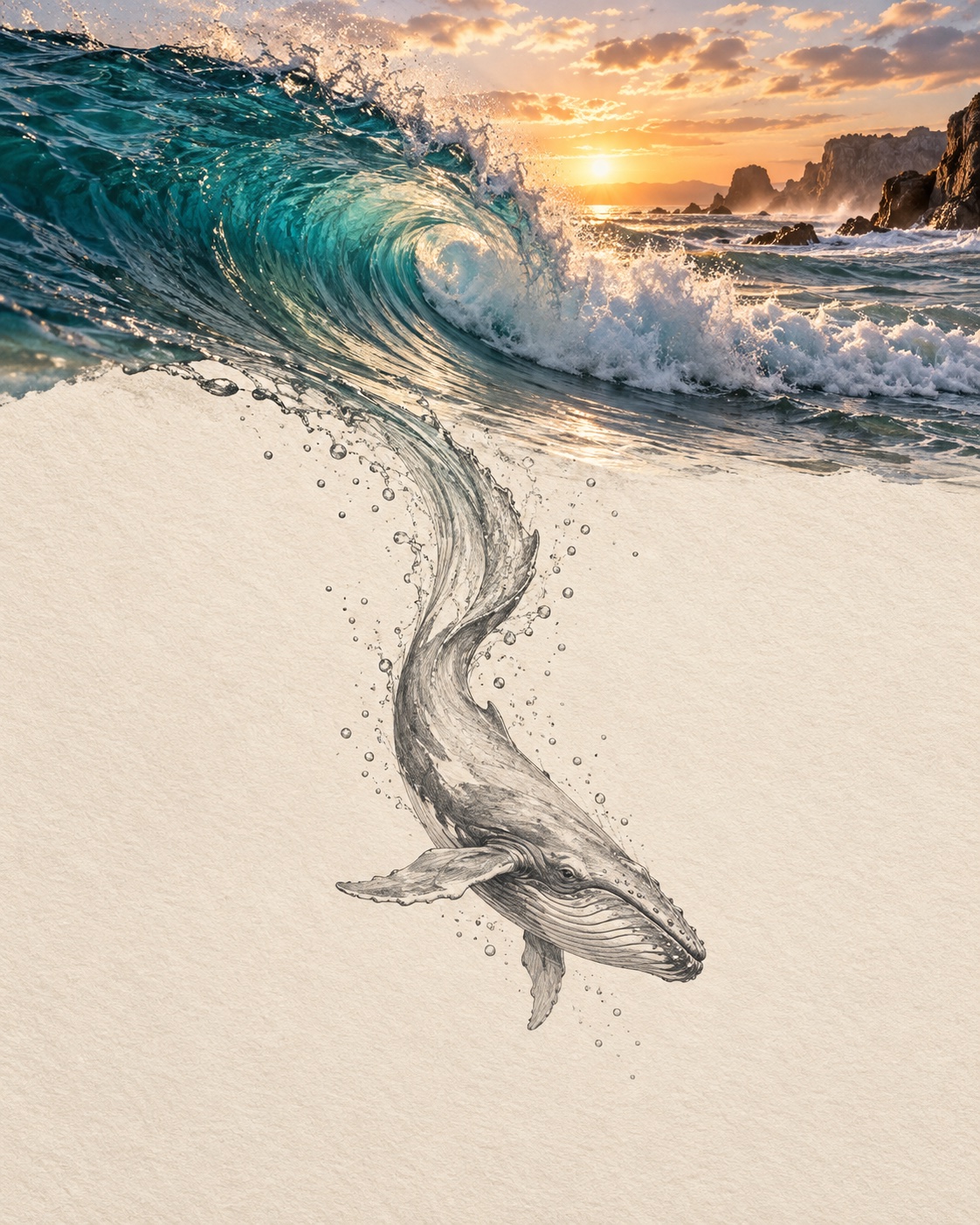
Photography × hand drawing
An ocean wave crosses from photography onto paper and becomes a drawn whale. No reference photo needed.
Open image generatorDescribe what you want, or upload a reference image to edit. Choose a model, generate, and download your result.
1K images and edits: 5–6 credits · 2K: 10–12 credits
See pricingNo Images Generated
6 trial credits for new accounts
Your images will appear here after you create them.
Creative examples made from sample prompts. Results will vary by model.
An ocean wave crosses from photography onto paper and becomes a drawn whale. No reference photo needed.
Open image generator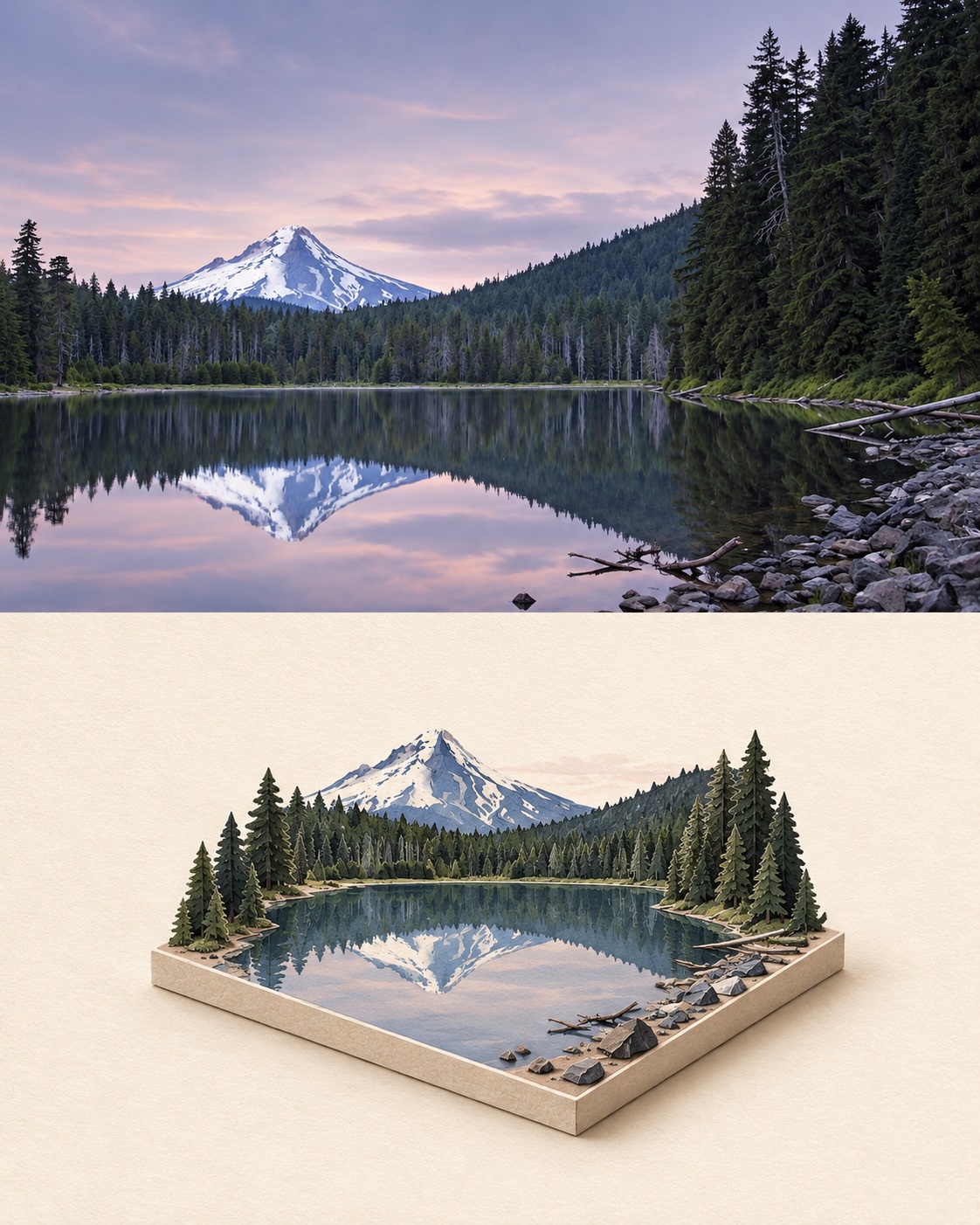
Use a mountain lake photo to turn its peak, forest, and water into a miniature paper landscape.
Open image generator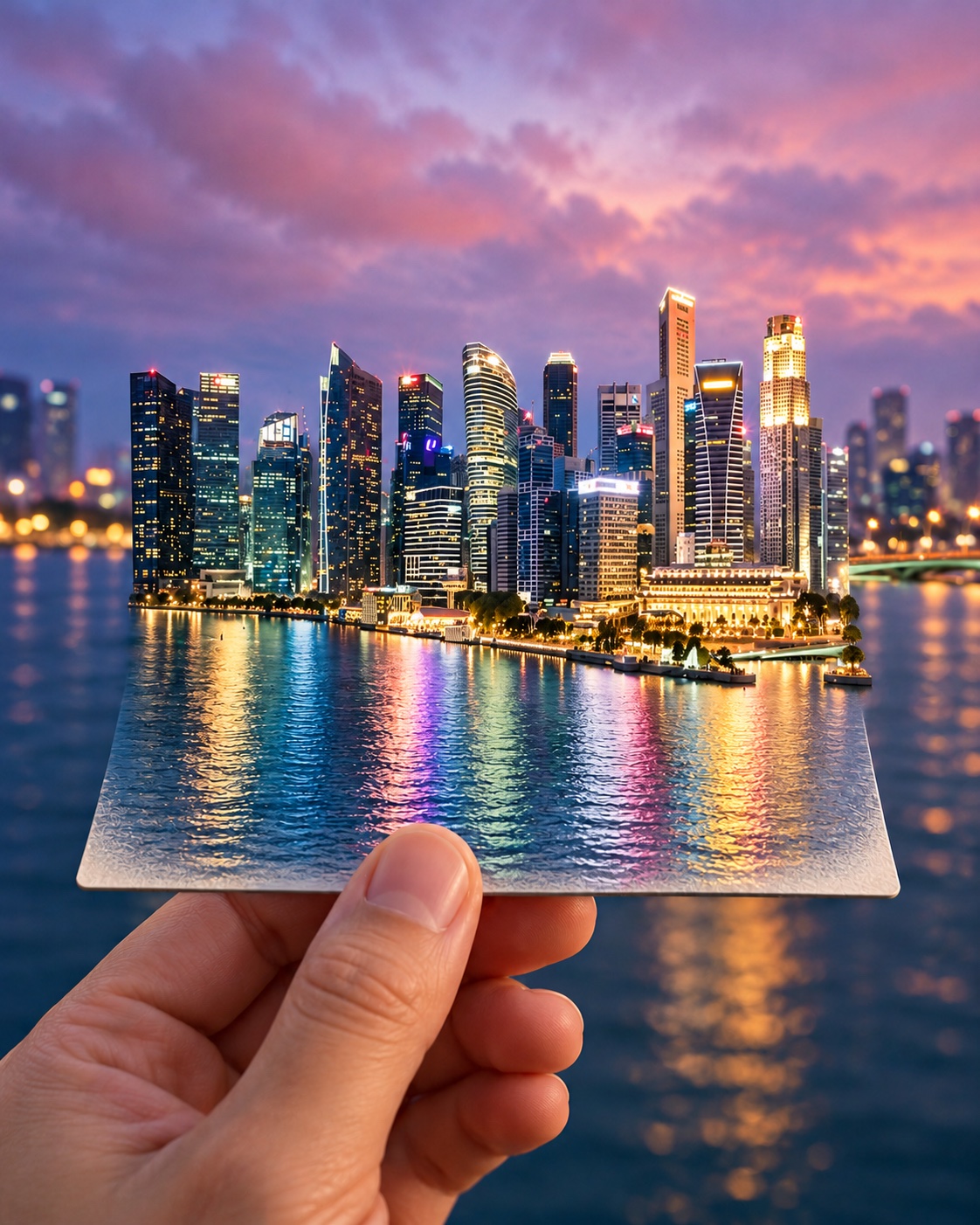
Use a city photo as a reference and let its buildings rise from a travel card.
Open image generatorA simple path from idea to downloadable file.
Describe the subject, style and details. For editing, upload a reference image you are allowed to use.
Nano Banana 2.1 and GPT Image 2.5 Flare both support text images and reference image edits.
See task progress, review the result, and download it. Failed generations return reserved credits.
Clear costs before you generate. Your work appears in your account history.
Nano Banana 2.1 creates or edits images for 5 credits at 1K or 10 credits at 2K, with automatic aspect ratio.
GPT Image 2.5 Flare creates square images for 6 credits at 1K or 12 credits at 2K (2048 × 2048 target).
Upload a reference and tell GPT Image 2.5 Flare what to change: 6 credits at 1K or 12 credits at 2K.
Need help with a task? Open a support ticket from your account and include its task ID.
Nano Banana 2.1: 1K costs 5 credits, 2K costs 10. GPT Image 2.5 Flare: 1K costs 6 credits, 2K costs 12. Text generation and reference editing have the same price. Any valid credits, including free credits, can be used. No extra subscription is required. The generator defaults to 1K and shows the exact cost before submission.
A confirmed failure returns reserved credits. If provider submission cannot be confirmed, the task remains traceable by ID while support investigates.
Only upload images you have the rights and permission to use. Do not submit unlawful, abusive or infringing content.
Generated images are shown in your account, not placed in a public gallery. Storage URLs may be accessible to anyone with the link; avoid uploading sensitive images.
Use the support tickets page in your account. Include the task ID and order number when relevant.
Start with a prompt and see the credit cost before you generate.